QR Code PNG vs SVG: Which Should You Download?
Choose PNG for posts and documents or SVG for scalable print layouts. See a real Clusstr QR example and learn how to check it before printing.
Choose PNG when you need a ready-to-use image for a post, slide or document. Choose SVG when a compatible design or print app needs to scale the QR code. Clusstr’s free QR code generator downloads both formats without signup.
PNG vs SVG for a QR code
| Format | Use it for | What to check |
|---|---|---|
| PNG | Social posts, slides, documents and image editors | Avoid enlarging it until the square edges become blurry. Clusstr exports 1,200 × 1,380 pixels including branding. |
| SVG | Scalable layouts in compatible design and print applications | Confirm that your editor/printer accepts SVG and preserves the full white margin and footer. |
The URL encoded in the QR pattern is the same in both formats. The format changes how the image is stored and scaled, rather than where it sends a scanner.
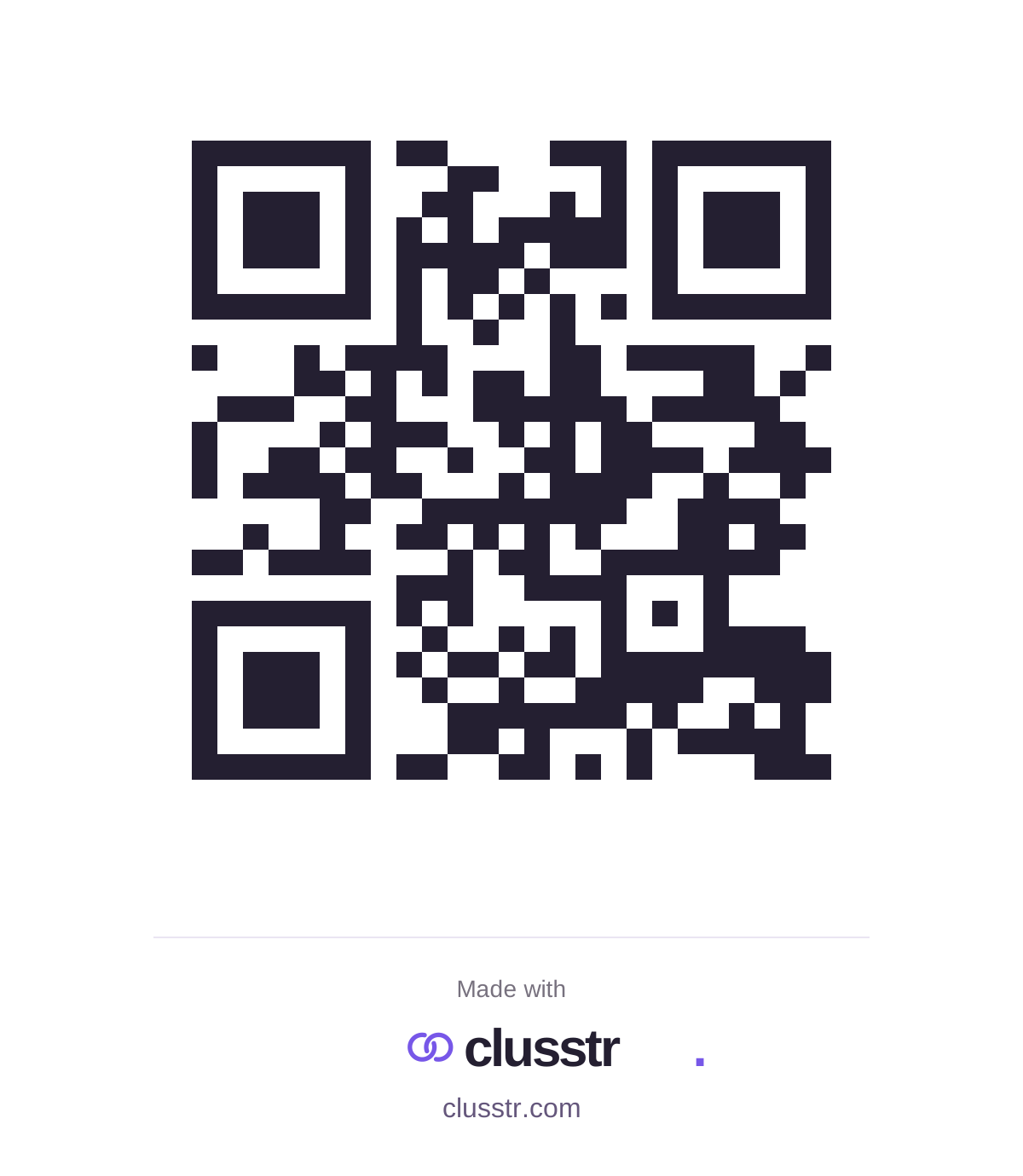
How to generate a free QR code and download it
- Open the free QR code generator and paste a complete public HTTP or HTTPS website URL.
- Select Generate QR code. The preview shows the URL encoded as a static QR code.
- Download PNG or SVG. There is no account or payment step; both downloads include Clusstr branding.
- Place the complete image in your design. Keep the white scanning margin and the logo/footer visible.
- Scan the final design with your phone and open the destination before sharing or printing a batch.
How to check a QR code before printing
There is no single print size that works for every URL, viewing distance and surface. Longer URLs can make a denser pattern. Print one proof at the actual size and test it from the distance people will use.
- Keep dark modules on the supplied white background. Don’t place another graphic over the code.
- Preserve the white margin around all four sides. The Clusstr footer belongs below that scanning area.
- Avoid screenshots that blur the square edges. Use the downloaded file in your design app.
- Test the finished print or exported document, not only the generator preview.
- Confirm that the website opens without a private account or expired access token.
For the technical background, DENSO WAVE explains how module size affects readability and why a QR code needs a clear margin.
Do free QR codes expire?
The static QR code generated by Clusstr has no built-in expiration date. The URL is stored in the image itself. Clusstr doesn’t add a subscription gate to a QR code that points directly to your website.
The destination still needs to work. If the website goes offline, a document link expires, or the code points to a paused short link or unpublished page, the QR image cannot fix that destination.
Can you change the destination or track scans?
A static QR image keeps the URL it was generated with. If you enter a different URL, generate and distribute a new image. Clusstr’s generator doesn’t collect scan counts.
If you want link-click trends, create a free short link with click tracking first, then generate a QR code for it. That records redirect requests, not every camera scan or unique person. Standalone short-link destinations are fixed, and pausing the link stops that QR destination from opening.
Generate locally in your browser, then download a Clusstr-branded PNG or SVG.
Create a free QR code ↗